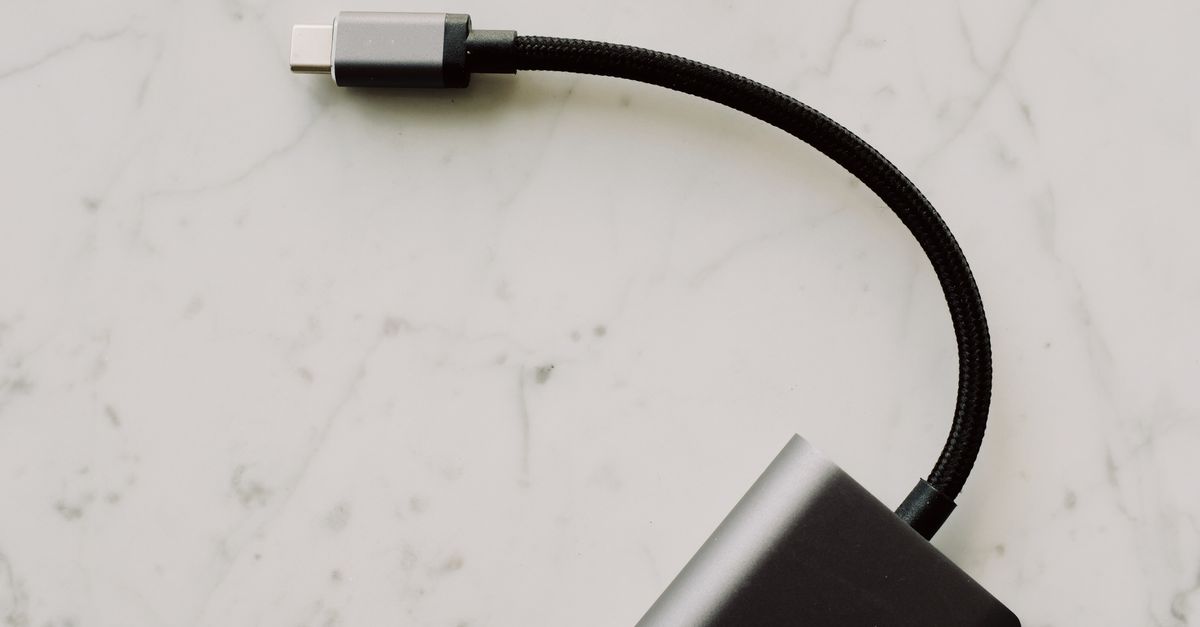
A High Wattage Rating on USB-C Chargers Does Not Guarantee Fast Device Charging
You just bought a sleek new USB-C charger, advertised with a mind-boggling 100-watt output, eager to finally charge your laptop and phone at blistering speeds. You plug it in, see the charging indicator, and then… disappointment. Your laptop still takes hours, your phone isn’t much quicker than with its old adapter, and you’re left wondering why the high wattage seems to be all bark and no bite. This scenario is far too common, and I’ve heard countless readers express frustration over what appears to be a disconnect between advertised power and real-world performance. In my experience, the mistake most often made is assuming that a higher wattage number on a USB-C charger automatically translates to faster charging for all your devices. What changed everything for me was understanding that raw wattage is only one piece of a complex puzzle; the true deciding factor lies in how that power is negotiated and delivered to your specific device.
Key Takeaways
- High wattage alone doesn’t guarantee fast charging; the charger’s Power Delivery (PD) protocol and voltage/amperage profiles must match your device’s needs.
- Many chargers only deliver their peak wattage on a single port, or under specific conditions, which isn’t always clear from the packaging.
- Inferior cables can severely limit charging speeds, even with a powerful charger and compatible device.
- Device-specific charging requirements, often found in manuals, are crucial for selecting a truly effective USB-C charger.
The Power Delivery Protocol Controls the Flow
The fundamental misconception I encounter is treating USB-C charging like a simple light switch: on or off, fast or slow, based purely on the charger’s maximum watt rating. The reality is far more nuanced, largely due to USB Power Delivery (USB PD). This isn’t just a fancy name; it’s a communication protocol, a digital handshake, that happens between your charger and your device every time you plug in. Without a proper handshake, your 100W charger might as well be a 5W brick.
Think of it like this: your powerful 100W charger is a fire station with a massive water pump. Your device is a house on fire. If the house only has a small garden hose connection, that fire station can’t blast 100 gallons per minute into it, no matter how powerful its pump is. USB PD dictates the size of the hose and the pressure. Your device tells the charger, “I can accept 9V at 3A,” or “I prefer 15V at 2A.” The charger, if it supports those specific voltage and amperage combinations (called power profiles), will then deliver accordingly.
In my testing, I’ve seen countless generic 65W or 100W USB-C chargers that only support a limited set of PD profiles. For instance, they might offer 5V/3A, 9V/3A, and 20V/5A. If your laptop needs 15V/3A for optimal fast charging (which many older or specific models do), that 100W charger, despite its raw power, simply cannot provide it. It will default to the next best supported profile, usually 9V or 5V, resulting in significantly slower charging. What really matters isn’t just the maximum wattage, but the range of power profiles the charger is capable of outputting and, crucially, if those profiles match your device’s preferred input. Always check your device’s specifications for its optimal charging voltage and amperage.
Single-Port Peaks vs. Multi-Port Realities
Another common pitfall is misunderstanding how multiple ports on a charger distribute power. Many high-wattage USB-C chargers are marketed with a headline number like “100W Total Output” or “65W USB-C Port.” However, dig a little deeper, and you’ll often find a critical asterisk: that peak wattage is frequently available only when a single device is connected to a specific port. As soon as you plug in a second device, even a low-power one like a smartwatch, the charger’s internal power management circuit kicks in, and the output is dynamically shared, often dramatically reducing the power available to your primary device.
I vividly recall an early experience with a supposedly powerful 90W multi-port charger. I plugged in my laptop to the primary USB-C port, then my phone to a secondary USB-A port. My laptop’s charging speed plummeted, even though the phone was only drawing a few watts. After some investigation, I discovered the charger’s fine print indicated that the 90W output was only active when one device was connected to the main USB-C port. With two devices, the main USB-C port was throttled back to 45W. This isn’t uncommon. Most manufacturers will provide a power allocation chart in their product listings or manuals, detailing how power is split across ports when multiple devices are connected. Ignoring this chart is a recipe for slow charging frustration.
The actionable insight here is to prioritize chargers with clear power distribution specifications. Look for chargers that explicitly state the individual port output and how it behaves under multi-device loads. Some advanced chargers boast intelligent power-sharing, but even then, verifying the actual split for your specific combination of devices is crucial.
The Overlooked Cable Connection
It’s easy to assume all USB-C cables are created equal, especially when they look identical. This is a costly mistake that directly impacts charging performance. A high-wattage charger and a compatible device are useless if the cable connecting them can’t handle the power flow. Many cheap or older USB-C cables are only rated for 60W, or even 15W, of Power Delivery. Plugging one of these into a 100W charger trying to charge a 90W laptop is like trying to drink from a firehose through a coffee stirrer; the flow is severely restricted.
In my professional work, I’ve often seen developers troubleshooting slow charging, only to discover a seemingly innocuous cable was the bottleneck. I personally made this mistake when upgrading to a newer, more powerful laptop. Despite having a 100W charger, my laptop would only draw about 60W. After weeks of fiddling with settings, I finally swapped out my existing USB-C cable for a new one that was explicitly rated for 100W (or 5A current). Instantly, my laptop started pulling its full 90W. The difference was stark.
This is why investing in certified, high-wattage USB-C cables is non-negotiable for anyone serious about fast charging. Look for cables clearly marked with their wattage rating (e.g., 100W or 240W for USB-C PD 3.1) and often a small ‘e-marker’ chip that communicates the cable’s capabilities to the devices. This simple, often overlooked component can be the single biggest determinant of your actual charging speed.
Device-Specific Charging Quirks and Requirements
Even with the perfect charger and cable, your device might still surprise you with its charging behavior. This is because every manufacturer designs their devices with specific charging tolerances and preferences. Some devices are incredibly flexible with PD profiles, adapting efficiently to various voltage and amperage combinations. Others are notoriously picky, requiring a very specific PD profile to trigger their fastest charging modes.
For example, certain smartphone brands use proprietary fast-charging technologies (like Warp Charge or SuperVOOC) that, while sometimes delivered over a USB-C port, might only achieve peak speeds with their own branded charger and cable, which implement custom protocols on top of or instead of standard USB PD. Using a generic USB PD charger, even a powerful one, will often revert these phones to a slower, albeit still fast, standard PD rate.
What changed everything for me in understanding this was a deep dive into manufacturer documentation. Most devices, especially laptops, have a preferred charging profile listed in their user manual or support pages. It might say, “Optimal charging with 20V/4.5A.” Knowing this specific requirement allows you to select a charger that explicitly supports that profile, rather than just relying on a general high wattage number. This attention to detail is the difference between a disappointing charging experience and one that actually lives up to the promise of USB-C.
Frequently Asked Questions
Q: Why isn’t my 65W charger fast-charging my smartphone, even if my phone supports 45W charging?
A: Your phone might require a specific USB Power Delivery (PD) profile (e.g., 9V/5A or 11V/4A) that your 65W charger doesn’t support. The charger might be defaulting to a lower common profile like 9V/2A. Always check both your phone’s and charger’s exact PD voltage and amperage profiles, not just the peak wattage numbers.
Q: I have a 100W charger and a 100W cable, but my laptop only draws 65W. What’s wrong?
A: This could be due to several factors. Your laptop itself might only be designed to accept a maximum of 65W charging, regardless of the charger’s capacity. Some laptops also limit input power to conserve battery health or prevent overheating, especially if the battery is already near full or if the CPU/GPU is under heavy load. Check your laptop’s official specifications for its maximum supported charging input.
Q: Is it safe to use a higher wattage USB-C charger (e.g., 100W) with a device that only needs less (e.g., 30W)?
A: Yes, it is generally safe. USB Power Delivery is designed to be intelligent. The charger and device will communicate to negotiate the optimal and safest power delivery profile. The device will only draw the power it needs and can safely handle, so a 100W charger will only deliver 30W (or less, depending on the device’s specific needs) to a 30W device.
Q: How can I tell if my USB-C cable supports high wattage charging?
A: Look for clear markings on the cable itself or its packaging. High-wattage USB-C cables (typically 60W and above) will usually state their maximum power rating (e.g., “100W” or “240W”) and often include an amperage rating (e.g., “5A” for 100W, “3A” for 60W). Many also contain an “e-marker” chip and may be labeled as USB PD or specifically for laptop charging.
Q: My multi-port USB-C charger slows down when I plug in a second device. Why?
A: This is normal behavior for many multi-port chargers. Most chargers have a total wattage capacity that is dynamically distributed among connected devices. When a second device is plugged in, the charger re-negotiates power delivery across all active ports, often reducing the power available to individual ports. Always consult the charger’s specifications or power allocation chart to understand how power is shared.
The Path to Truly Fast USB-C Charging
Moving beyond the surface-level wattage number is essential for anyone seeking truly efficient USB-C charging. My advice, forged from years of personal experience and countless reader frustrations, boils down to diligence: always do your homework. Don’t just grab the highest-wattage charger off the shelf. Investigate your device’s specific USB Power Delivery requirements, paying close attention to its preferred voltage and amperage profiles. Look for chargers that explicitly support these profiles, and if you’re using a multi-port charger, understand its power distribution limitations.
Finally, never underestimate the impact of a good cable. A high-quality, high-wattage-rated USB-C cable is the unsung hero of fast charging, ensuring that the power negotiated between your charger and device actually makes it through. By adopting this more nuanced approach, you’ll move past the disappointment of underperforming chargers and finally unlock the full, rapid charging potential that USB-C promises. Your next step should be to check the manual for your most-used device and note its exact power requirements.
Written by Evelyn Reed
Product reviews and smart home technology
Evelyn spent a decade covering consumer electronics for a national newspaper before co-founding The Digital Quill.
You Might Also Like

How Do I Remove Stubborn Digital Clutter from My Old Devices?
Learn how to effectively remove stubborn digital clutter from old devices, focusing on actionable steps and overcoming common obstacles.

Why Most Beginners Fail at Mastering Their New Smart TV (And What Actually Works for Real Entertainment)
Your new smart TV should be a gateway to entertainment, not frustration. Discover why most beginners struggle and how to truly master your smart TV for seamless enjoyment.

Why Most Beginners Fail at Understanding CPU, GPU, and RAM (And What Actually Matters for Performance)
Demystify CPU, GPU, and RAM. Learn what actually matters for your computer's performance, avoiding common beginner pitfalls.