Why a '0000' PIN on Bluetooth Devices Is a Major Security Risk
You’ve just unboxed a new Bluetooth device – perhaps a speaker, a set of headphones, or even a smart home gadget. The setup is straightforward: pair it with your phone, and if prompted for a PIN, you instinctively type in ‘0000’ or ‘1234’. It works, and you move on, enjoying the convenience of wireless connectivity. But in that moment of quick setup, you’ve potentially opened a door to significant security vulnerabilities, far greater than most people realize. The seemingly innocuous default PIN, often ‘0000’, is a relic of an older, less secure era of wireless technology, and it’s still alarmingly prevalent. In my experience, this is one of the most common oversights in personal cybersecurity, especially with the proliferation of smart devices in our homes and workplaces.
What changed everything for me was a simple penetration test I conducted years ago. I was at a tech conference, and out of curiosity, I scanned for discoverable Bluetooth devices. Within minutes, I had identified dozens of devices using default PINs. While I, of course, didn’t exploit these vulnerabilities, the ease with which I could have was a stark wake-up call. It highlighted a critical misunderstanding: many assume Bluetooth is inherently secure for short-range communication, or that a PIN only protects against casual interference. The reality is far more complex, with ‘0000’ acting as a universal key that bypasses crucial layers of protection.
Key Takeaways
- Default Bluetooth PINs like ‘0000’ provide no real security, allowing unauthorized access to your device and potentially your data.
- The ‘Just Works’ pairing method, common with default PINs, is inherently insecure, offering no authentication against malicious actors.
- Always change default PINs immediately, opting for strong, unique passphrases to secure your Bluetooth connections.
- Implement advanced Bluetooth security features such as Secure Simple Pairing and encryption whenever available to protect against eavesdropping and data compromise.
Default PINs Provide No Real Security
The fundamental issue with a ‘0000’ PIN is that it’s a known constant. Imagine if every house key in the world had the same cut. That’s essentially what these default PINs represent in the digital realm. When a Bluetooth device is manufactured, many come pre-configured with a universal PIN to simplify the pairing process for consumers. This convenience, however, comes at a severe security cost. It’s an open secret among anyone with a basic understanding of wireless protocols. A malicious actor doesn’t need to be a hacking prodigy; they just need to know these common defaults and be within range.
In my practice, I’ve seen countless instances where this simple oversight has led to compromise. For example, in an office environment, I once demonstrated how easily an unsecured Bluetooth headset could be hijacked. A person simply connected to it, injected audio, and startled the user. While that was a benign test, the implications for corporate espionage or data exfiltration are terrifying. Someone could connect to an unsecured smart lock, a vehicle’s infotainment system, or even a medical device, gaining control or extracting sensitive information without the owner ever realizing it. The mistake I see most often is users believing that because a device is ‘theirs’ and physically close, it’s safe. Proximity offers no protection against a known, weak default PIN. It’s an invitation, not a barrier.
Understanding the ‘Just Works’ Pairing Method
The reason ‘0000’ is so prevalent lies in Bluetooth’s ‘Just Works’ pairing method, part of the Secure Simple Pairing (SSP) protocol. While SSP introduced more secure methods like Numeric Comparison and Passkey Entry, ‘Just Works’ was included for devices without a display or input capabilities (like many basic headphones or single-button smart devices). This method explicitly provides no Man-in-the-Middle (MITM) protection and is designed for convenience, not security. When you use a ‘0000’ PIN, you’re essentially engaging ‘Just Works’ or a similarly insecure pairing, as any attacker can simply input the same known PIN and establish a connection.
Here’s how it unfolds: two devices exchange public keys, but without any out-of-band mechanism (like checking a number on a display) or a strong, random passkey, there’s no way to verify that you’re connecting to the intended device. An attacker can intercept the connection, pretend to be your device, and then relay information to the real device, all while observing or manipulating your data. This is why a simple Bluetooth speaker, seemingly harmless, can become a conduit for data theft if it’s connected to your phone via ‘Just Works’ or a ‘0000’ PIN. The problem isn’t the Bluetooth technology itself, but the weakest link in its implementation, which is often the pairing method chosen for user convenience. My advice has always been: if a device prompts for a PIN and accepts ‘0000’, that’s a red flag. It indicates a device designed with a significant security compromise for the sake of ease of use.
The Real Risks: Eavesdropping and Data Compromise
Beyond simply hijacking a connection, the use of weak or default PINs opens the door to eavesdropping and data compromise. Once an unauthorized device is paired, it can potentially access information being transmitted over the Bluetooth connection. While Bluetooth communication is encrypted, the key exchange process, if performed with a weak PIN like ‘0000’, can be vulnerable. Attackers can leverage this weakness to derive the encryption key, allowing them to decrypt subsequent communications.
Consider the types of data that flow over Bluetooth daily: phone calls, contact lists, photos, messages, health data from wearables, and even payment information if using certain mobile payment terminals. A compromised connection means any of this data could be intercepted. In my early days as a security analyst, I remember a case where a company’s sensitive presentation materials were unknowingly broadcast to an attacker simply because the presenter’s laptop was paired with a Bluetooth projector using a default PIN. The presenter thought they were secure, but the known PIN allowed a nearby device to effectively ‘listen in’ on the data stream. This isn’t theoretical; it’s a real and present danger that underscores the importance of strong authentication for all wireless connections.
Always Change Default PINs Immediately
This is the simplest, most impactful step you can take: change the default PIN immediately upon setting up any new Bluetooth device. If a device doesn’t allow you to change the PIN from ‘0000’ or similar defaults, it’s a clear indication that the device was designed with security as an afterthought. In such cases, you should seriously reconsider using it for anything that transmits sensitive data or controls critical functions. The ideal scenario is a device that forces you to set a unique, complex PIN during the initial setup.
When creating a new PIN, treat it like a password. Don’t use easily guessable sequences like birthdates, ‘1111’, or your street address. Opt for a passphrase that is at least six digits long and includes a mix of numbers, if the device allows for alphanumeric input. This significantly strengthens the key exchange process and makes it far more difficult for an attacker to brute-force or guess their way in. In my personal setup, I use a unique 8-digit PIN for each Bluetooth device that requires one, and I record these securely in my password manager. This might seem like overkill for a pair of headphones, but it establishes a habit of strong security for all connected devices, not just the obvious ones.
Utilize Advanced Security Features When Available
While changing the PIN is crucial, modern Bluetooth standards offer more robust security features that you should leverage. Look for devices that support Bluetooth v2.1 + EDR (Enhanced Data Rate) or newer, as these implement Secure Simple Pairing (SSP). SSP, as mentioned, has multiple association models, and ‘Just Works’ is the least secure. Prioritize devices that use:
- Numeric Comparison: Both devices display a 6-digit number, and you confirm they match. This provides strong MITM protection.
- Passkey Entry: One device displays a 6-digit number, and you type it into the other device. Better than ‘Just Works’, but less secure than Numeric Comparison.
- Out-of-Band (OOB): Uses an external channel like NFC to exchange pairing information securely. This is highly secure but less common.
Also, ensure that your devices support Bluetooth Low Energy (BLE) Security Mode 1, Level 4, which requires authenticated pairing with a strong, 128-bit AES encryption key. Many newer smart devices, especially those handling sensitive data, will implement these more advanced security profiles. The more layers of protection you can activate, the better. In my experience, even if a device allows ‘Just Works’ or a ‘0000’ PIN, it often has the capability for more secure pairing if you dig into the settings or follow the manufacturer’s advanced setup instructions. Don’t settle for the path of least resistance when your security is at stake. Always check the device manual or manufacturer’s website for specific security features and recommended pairing methods.
Frequently Asked Questions
Q: Is Bluetooth inherently insecure, even with strong PINs?
A: No, modern Bluetooth standards (like v2.1+ EDR and BLE) offer robust security features, including strong encryption and authentication protocols. The insecurity typically arises from outdated devices, weak default PINs (like ‘0000’), or improper user configuration that bypasses these protections. When properly configured with strong, unique PINs and advanced pairing methods, Bluetooth can be quite secure for its intended use.
Q: Can someone hack my Bluetooth device from far away?
A: Bluetooth operates over a short range, typically up to 10-30 meters (30-100 feet) for most consumer devices. While specialized equipment can extend this range slightly, an attacker generally needs to be in close proximity to exploit vulnerabilities. The risk increases in crowded public spaces where many devices are discoverable and within range.
Q: What if my device doesn’t allow me to change the PIN?
A: If a Bluetooth device, especially a newer one, does not allow you to change the default ‘0000’ or ‘1234’ PIN, it is a significant security flaw. You should be extremely cautious about using such a device, particularly if it handles sensitive information or connects to critical systems. If possible, consider replacing it with a more secure alternative.
Q: Do I need to unpair Bluetooth devices when not in use?
A: While not strictly necessary if you’ve set a strong, unique PIN and the device uses secure pairing, it’s generally a good security practice to turn off Bluetooth on your phone or computer when not actively using it. This reduces your device’s discoverability and minimizes the attack surface. For standalone devices, powering them off or disconnecting them from power is sufficient.
Q: How can I tell if my Bluetooth connection is secure?
A: A truly secure Bluetooth connection will typically involve one of the more advanced Secure Simple Pairing methods, such as Numeric Comparison (where you confirm a number on both devices) or Passkey Entry with a randomly generated, complex key. If your device simply pairs after you type ‘0000’ without any further verification, it is likely using the insecure ‘Just Works’ method.
Conclusion
The convenience of wireless technology has undeniably transformed our digital lives, but it has also introduced new vectors for attack that many overlook. The ‘0000’ Bluetooth PIN is a prime example of a seemingly minor detail that can lead to significant security breaches. It’s a universal master key, broadcasting an open invitation to anyone within range. My journey through countless security audits has consistently shown that the simplest flaws are often the most exploited because they are the most ignored.
Don’t be a casualty of convenience. Take the extra minute to understand your device’s pairing mechanisms, change those default PINs to strong, unique passphrases, and always prioritize devices that implement modern, robust Bluetooth security features. Your digital privacy and security depend on it. Make it a habit to check the security settings of every new Bluetooth device you acquire. It’s a small effort for a substantial gain in peace of mind.
Written by Marcus Thorne
Software analysis and cybersecurity tips
A former software engineer, Marcus transitioned into tech journalism to explain complex digital concepts in simple terms.
You Might Also Like
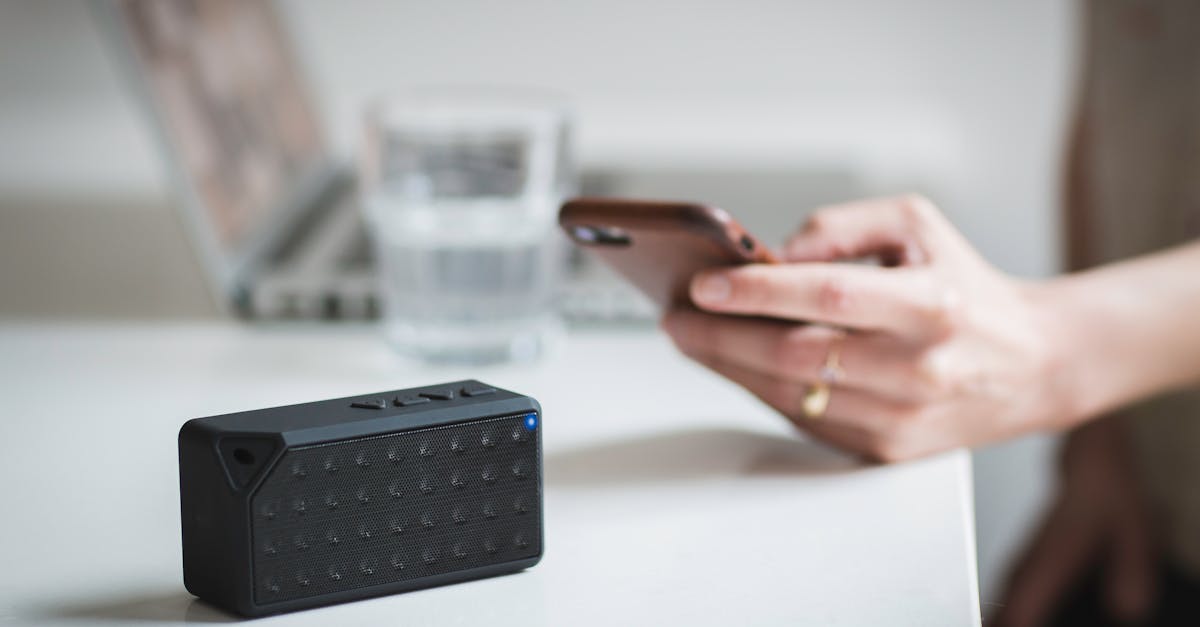
A Practical Checklist for Securing Bluetooth Devices Against Home Eavesdropping
Don't let your Bluetooth devices be an open mic. Learn practical steps to secure them against eavesdropping in your home, protecting your privacy.
A Beginner's Guide to Understanding VPN Protocols
Unpack the different VPN protocols and their implications for speed, security, and privacy online. Make informed choices for your digital protection.

Why Most Beginner VPN Setups Fall Short (And What Actually Works for Real Protection)
Don't fall for basic VPN setup pitfalls. Learn the advanced yet practical steps to secure your online presence effectively, ensuring real privacy.